
How do I create episode playists?
You can create custom episode playlists for seasons, tagged episodes, or any combination of episodes.
- Log in to your Fireside dashboard.
-
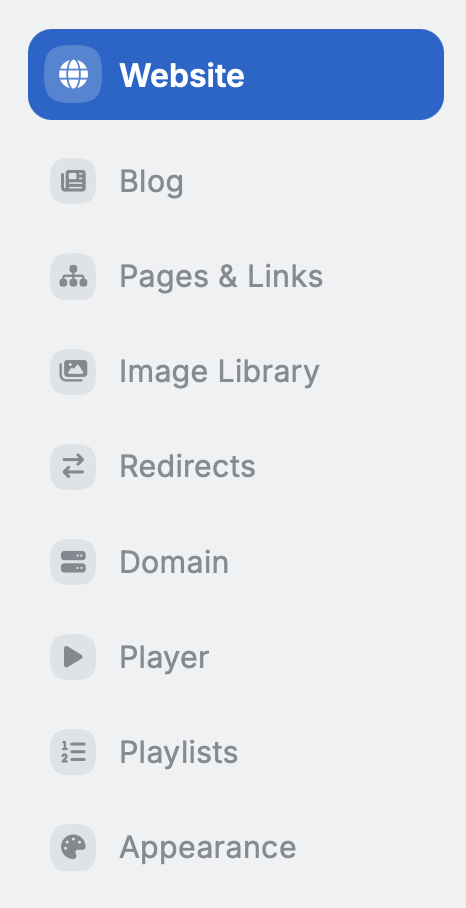
Click Website in the left menu.
-
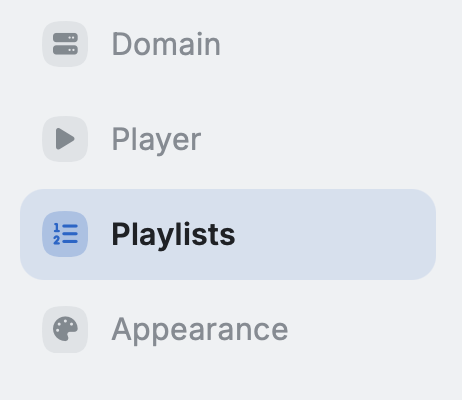
Click Playlists.
-
Click New Playlist in the top-right corner.
-
Enter a name for your playlist, then click Create Playlist.

-
Click Add Episodes.
- Browse or search episodes by tag, season, or most recent, then click Add next to each episode you want to include.
- To reorder episodes, drag them using the handle on the left. To remove an episode, click Remove on the right.
-
To embed the player, click Embed & Customize.
- Here you can edit the colors and copy the embed code.
